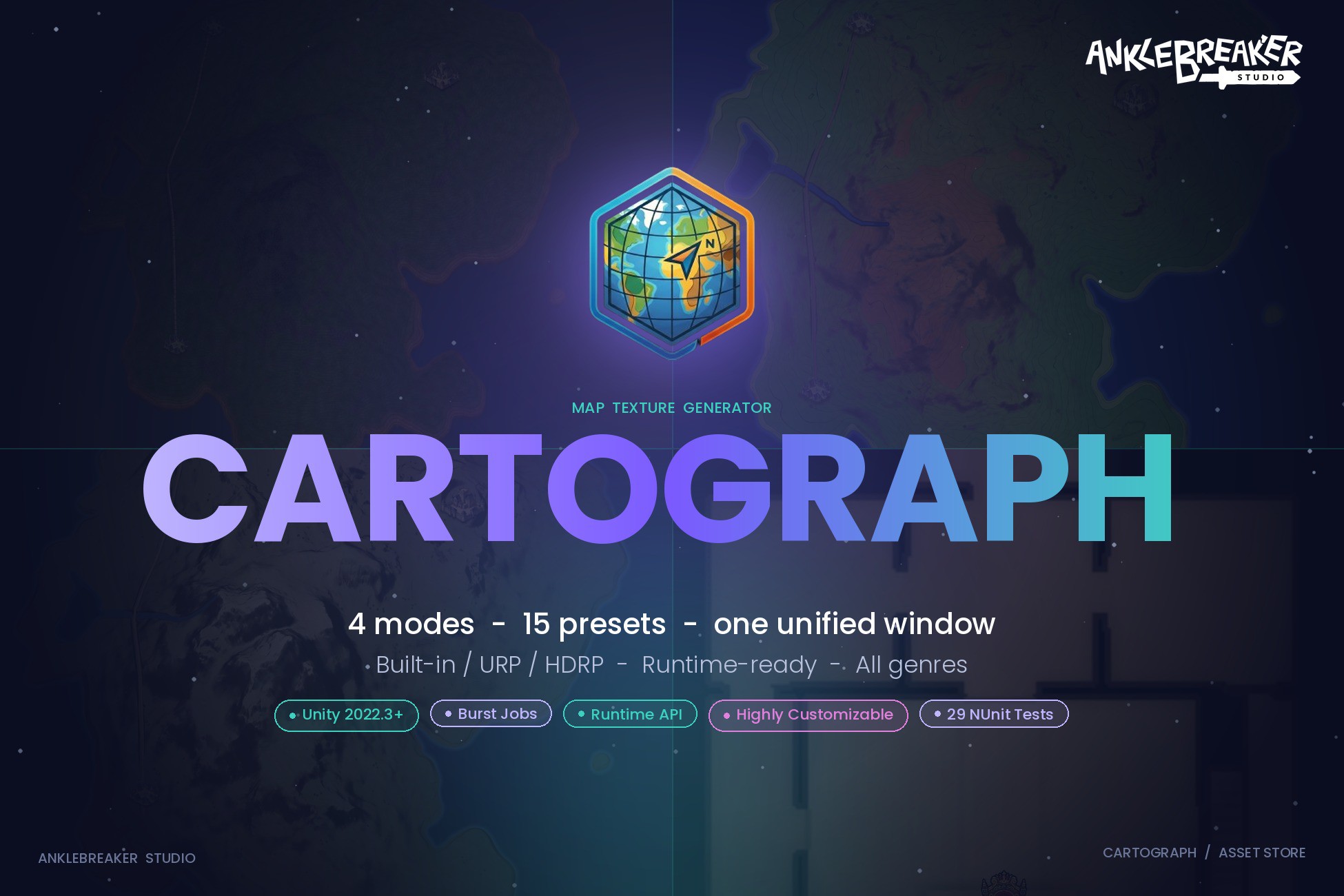
CARTOGRAPH
Launched Jun 2026 1.2mo
Updated Jun 2026 1.2mo Active
AnkleBreaker
Price history
Tracked store price
No tracked price history is available for this asset yet.
No tracked price history is available for this asset yet.
Signals
Render pipelines
Description
🗺️ Turn Any Unity Scene Into a Production-Ready Map — Right From the Editor
Stop screenshotting your scene and calling it a minimap.
Stop hand-painting parchment textures in Photoshop for hours.
Cartograph generates stunning map textures from any Unity scene — terrain, mesh-based world, multi-floor dungeon, or top-down capture — and ships them in minutes.
⚙️ Requirements ⚙️
Unity 2022.3 LTS or newer. Built-in / URP / HDRP all supported via the included Material Converter (auto-detects your pipeline on import).
AnkleBreaker.Core is auto-installed on first use via a one-click Dependencies Installer popup. No manual setup.
🧩 4 Generation Modes — One Unified Window 🧩
Capture — top-down realistic camera render with optional post-processing. Perfect for satellite-style or stylized photo maps.
Terrain — reads Unity Terrain heightmaps directly to produce stylized elevation maps with biome coloring from TerrainLayers.
Scanline — geometry-agnostic raycast that works with any mesh setup (ProBuilder, imported prefabs, mixed geometry). The most versatile mode — no special scene structure required.
Interior — multi-floor floor plan generation for dungeons and indoor spaces, with automatic floor detection, NavMesh integration, and per-floor swap at runtime.
🎨 15 Built-In Style Presets 🎨
Beautiful results out of the box — no configuration needed. Each preset is a ScriptableObject you can duplicate and customize.
MapDraw Presets (6) — Parchment (fantasy), Satellite (realistic), TopoIGN (topographic), Stylized Light, Stylized Dark, Flat UI.
Terrain Presets (6) — bundled draw style + terrain detection params for instant heightmap-to-map workflows.
Interior Presets (3) — Classic Dungeon, Clean Blueprint, Dark Cave.
🚀 Why Cartograph? 🚀
4 Modes, 1 Editor Window — The competition is divided into silos (minimap UI, terrain generator, dungeon generator). Cartograph unifies Capture, Terrain, Scanline, and Interior in one coherent UX. Whatever your scene looks like, there's a mode for it.
Geometry-Agnostic Scanline — Raycasts your scene from above and works with any geometry: Unity Terrain, ProBuilder, imported meshes, voxels, mixed setups. Rare on the Asset Store and a huge time-saver for hand-crafted worlds.
Runtime API — Generate Scanline and Terrain maps in Play mode and in standalone builds. Perfect for procedural worlds, seed-based generation, or dynamic level streaming. Most competitors are Editor-only.
Multi-Floor Interior — Multi-level dungeon maps with automatic floor detection and per-floor swap at runtime. Drop your dungeon in, generate, ship..
Zone Sub-Maps — Generate detailed sub-maps for towns, dungeons, regions, all coexisting in the same scene as your global map. Auto zone-swap by tag at runtime.
POIs, Water, Roads, Decor Icons — Runtime POI markers (Global / Zone / Both visibility). Water detection (Sea / Lake / River) with per-type coloring and depth gradient. EasyRoads3D-compatible road and river overlay. Baked Decor Icons with category clustering and partial-split support for dense forests.
Built-In / URP / HDRP — Auto-detects your pipeline and converts materials on import. No separate URP/HDRP versions to maintain, no manual reconfiguration.
✨ 7 Chainable Post-Processing Passes ✨
Layered effects that transform a raw render into a polished, ship-ready map.
- Hillshade — directional lighting with configurable intensity and ambient.
- Slope Shading — angle-based darkening for cliffs and terrain features.
- Ambient Occlusion — depth-based shadow accentuation.
- Contour Lines — topographic-style elevation curves with anti-aliasing.
- Parchment Noise — aged paper texture overlay for fantasy aesthetics.
- Vignette — edge darkening for cinematic framing.
- Forest Overlay — canopy rendering with neighbor-based clustering.
🎮 Made for All Genres 🎮
- RPG / Adventure — hand-painted parchment maps with POIs, fast-travel, and zone sub-maps.
- Dungeon Crawler — auto-generated multi-floor dungeon maps with NavMesh integration.
- Survival / Open-World — runtime-generated satellite maps as your procedural world unfolds.
- Strategy / 4X — tactical top-down captures with zone overlays and live POI markers.
- Sci-Fi / Modern — clean architectural blueprints for facilities and stations.
- Horror / Dark — stylized-dark and cave presets that match your dread aesthetic.
- Mobile / Casual — lightweight FlatUI presets for low-res displays and small build sizes.
📦 What's in the Box 📦
- 4 generation modes (Capture, Terrain, Scanline, Interior) unified in one editor window.
- 15 built-in style presets + 7 chainable post-processing passes.
- Drop-in MapDisplayCanvas prefab — RawImage UI with pre-wired auto-update on generation, zone change, and floor change events.
- RuntimeGenerator prefab + MapTextureRuntimeGenerator component for Play mode and builds.
- POI markers, water detection, road overlay, decor icons with clustering.
- 3 sample scenes covering Terrain, Scanline (no-terrain), and Interior workflows.
- Full PDF reference manual + 7 Markdown guides (generation modes, presets, runtime usage, troubleshooting).
- 29 NUnit tests for core helpers and Burst jobs.
💬 Community & Support 💬
- 🌐 Website: https://www.anklebreaker-studio.com
- 🟪 Discord: https://discord.com/invite/2D36VUmsYN — get help, share feedback, request features
Made with care by AnkleBreaker Studio.
Key features
- Unity version: 2022.3 LTS and newer (including Unity 6)
- Render pipelines: Any (Built-in, URP, HDRP) — auto-detected and converted on import via the built-in Material Converter
- Generation modes: 4 (Capture, Terrain, Scanline, Interior) — runtime supported for Scanline and Terrain only; Capture and Interior are Editor-only
- Dependencies:
From UPM (auto-resolved): Burst 1.8.19, Collections 2.1.0, Mathematics 1.2.0, EditorCoroutines 1.0.0, AI Navigation 2.0.0
From Github: AnkleBreaker Core
A Dependencies Installer window shows up on import to install dependencies easily. - Assembly definitions: 27 asmdef (split per module — Core, Runtime, Capture, Terrain, Scanline, Interior, POI, IconOverlay, PostProcess, Shared, Installer, MaterialConverter, Tests, plus Editor / Jobs sub-assemblies)
- Namespace: AnkleBreaker.MapTexture (root, with per-module sub-namespaces: .Runtime, .Capture, .Terrain, .Scanline, .Interior, .POI, .IconOverlay, .PostProcess, .Core, .Jobs)
- Built-in style presets: 15 ScriptableObject assets (6 MapDraw + 6 TerrainGen + 3 Interior)
- Post-processing passes: 7 chainable (Hillshade, Slope Shading, Ambient Occlusion, Contour Lines, Parchment Noise, Vignette, Forest Overlay) + Elevation Colors, Water (Sea/Lake/River), Coastline Outline, Background/Overlay 9-slice, Auto-Crop, Pixelated Style, custom Material Stack
- Drop-in prefabs: 4 (MapDisplayCanvas, MapDisplayPrefab, MapWaypointIcon, RuntimeGenerator)
- Custom shader: 1 (Hidden/MapTexture/IconStylizeV2 — icon stylization, compatible Built-in / URP / HDRP)
- Burst-compiled jobs: dedicated .Jobs asmdefs for Core, Interior, and Scanline pipelines (coastal BFS, elevation color, forest, mask outline, parchment noise)
- Runtime scripts: ~110 C# files (generation API, display, zones, multi-floor, POI/Decor overlays)
- Editor scripts: ~125 C# files (unified Minimap Generation window, per-mode inspectors, preset creation, Material Converter, Dependencies Installer)
- Runtime API: MapTextureHandlerData event bus (RequestGeneration, OnGenerationCompletedDetailed, OnGenerationProgress, OnGenerationFailed) + MapTextureRuntimeGenerator component
- Editor window menu: Tools → AnkleBreaker → MiniMapGeneration → Minimap Generation (Alt+G generate, Alt+S save)
- Sample scenes: 3 (SampleTerrainScene1, SampleNoTerrainScene, SampleInteriorDungeon)
- Unit tests: 29 (NUnit — 24 functional tests + 5 Burst Jobs tests)
- Documentation: Illustrated PDF reference manual + 7 Markdown guides (quickstart general, quickstart from samples, quickstart from scratch, generation modes, presets, runtime usage, troubleshooting)