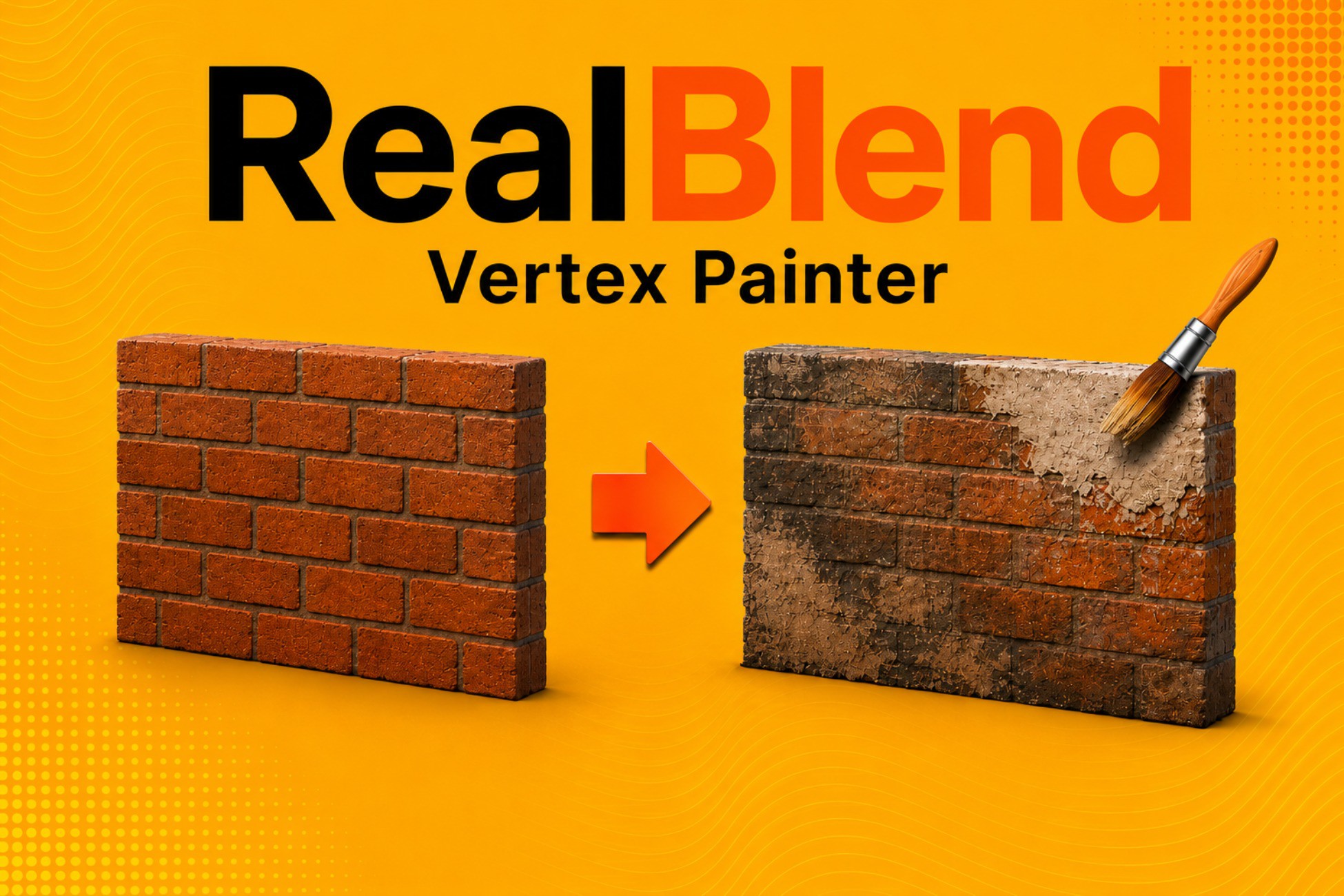
RealBlend - Mesh Painting & Creation
LaunchedFeb 20263.8mo
UpdatedMay 20261.1moActive
Real Empire
Price history
Tracked store price
No tracked price history is available for this asset yet.
No tracked price history is available for this asset yet.
Signals
AI Reviews Analysis
Editor's Cut
Pros
Cons
Render pipelines
Description
Real Blend streamlines your level design workflow by combining advanced vertex painting, mesh sculpting, and procedural geometry creation into a single, unified interface. Stop switching back and forth between Blender and Unity add physical detail, blend textures, and create paint-ready meshes instantly.
Beta Status Create & Sculpt features are currently in beta. More tools and improvements planned. Price will increase once major updates are added. Current license holders will receive all updates :).
❗❗❗❗❗❗❗❗❗❗❗❗❗❗❗❗❗❗
Links to FREE textures to use with this tool:
https://polyhaven.com/textures
https://ambientcg.com/list?sort=popular
❗❗❗❗❗❗❗❗❗❗❗❗❗❗❗❗❗❗
🎨 Pipeline-Specific Vertex Painting
Real Blend adapts to your render pipeline with tailored shader solutions:
- HDRP Exclusive (5-Layer Blend): Paint up to 5 distinct material layers (Base + 4 Overlays) using full RGBA channel mapping for high-fidelity environments. NOTE: 5-Layer Blend only works for realtime lighting setups due to texture sampling limits.
- URP & HDRP (3-Layer Blend): Use the optimized 3-way variation blender (Base + 2 Overlays) designed to stay within sampler limits on URP and Built-In pipelines while maintaining visual quality.
- Built-In Render Pipeline: Basic limited 3 blend shader with variation support. Requires extra fine tuning for desired results with the "Contrast" variable
- Procedural Noise: Both modes support the built-in Noise Module to generate realistic dirt, grime, and edge wear automatically without manual strokes.
🗿 Mesh Sculpting & Topology
Modify your mesh geometry without leaving the editor.
- Sculpt Modes: Move, Push, and Smooth geometry to break up uniform surfaces.
- Refine & Remove: Add detail by subdividing specific areas (1-to-4 split) or remove geometry entirely with the "Remove" brush.
- Non-Destructive: Includes a "Revert Topology" feature that restores the original mesh shape while projecting your painted colors onto it.
📐 Procedural Creation
Instantly generate paint-ready meshes with even topology. Create floors, walls, boxes, and fully curved surfaces along splines with adjustable resolution, curvature, and pivot points.
💾 Workflow Utilities
- Bake to Asset: Save your work as a permanent static mesh asset and safely remove the runtime scripts for optimized builds.
- Mask Packer: Includes a utility to pack Metallic, AO, Height, and Smoothness maps into a single texture, essential for optimizing complex multi-layer shaders.
For the Fastest Support Please Use Discord:
https://discord.gg/7SUBZPfN8a
Link to Documentation:
https://drive.google.com/file/d/1Rievns4WDSr1WxWg3CmxLlX_bd6FK3AB/view?usp=sharing
80 LEVEL Article:
https://80.lv/articles/unity-s-polybrush-alternative-for-mesh-painting-creation
Key features
Core Features:
- 5-Layer Blending: Full RGBA+Base workflow (HDRP Realtime Only).
- 3-Layer Blending: Optimized G+B+Base workflow (URP, HDRP).
- Sculpting Tools: Move, Push, Smooth, Revert Pose, Refine (Add Detail), and Remove Triangles.
- Procedural Noise: Auto-generate dirt and edge-wear masks using 3D noise and UV borders.
- Smart Creation: Generate curved walls and planes with adjustable "verts per meter" density.
- Mesh Baking: Exports painted/sculpted instances to permanent .asset mesh files.
- Data Storage: Uses VertexPaintStorage component to save color/topology data safely within the scene.
- Texture Packer: Built-in tool to pack RGBA Mask Maps.
Compatibility:
- HDRP: Fully supported (5-Layer & 3-Layer).
- URP: Supported (3-Layer only due to sampler limits).
- Built-In Render Pipeline: Basic limited 3 blend shader with variation support. Requires extra fine tuning for desired results with the "Contrast" variable
- Requires a Collider on the target object to paint.