Instant Screenshot
Launched Nov 2014 12y
Updated Jul 2024 2.3y Abandoned?
Saad Khawaja
Price history
Tracked store price
No tracked price history is available for this asset yet.
No tracked price history is available for this asset yet.
Signals
Review Consensus
Editor's Cut
Pros
Cons
Customers also bought
Which assets play well with this one?
 🔥 828 Views (24h)
Playmaker is widely regarded as the gold standard for visual scripting in Unity, offering an intuitive finite state machine (FSM) architecture that empowers artists, designers, and non-coders to build complex game logic without writing C#. It significantly accelerates prototyping and development speed, integrates seamlessly with a vast ecosystem of third-party assets, and provides a more approachable, logical workflow than traditional text-based coding or Unity's native Visual Scripting (Bolt). The tool is battle-tested, supported by high-quality tutorials, and remains highly effective for both solo developers and large teams looking to streamline gameplay programming.
Click for full AI analysis →
Playmaker
 🔥 2251 Views (24h)
Amplify Shader Editor is widely considered the gold standard for shader development in Unity, offering a mature, performant, and highly intuitive node-based interface that consistently outperforms Unity's native Shader Graph. It provides exceptional flexibility across all render pipelines, including legacy support, and excels at fixing broken shaders or porting complex setups to modern pipelines like URP and HDRP. The asset is backed by a massive library of templates, high-quality samples, and an active, helpful community, making it an invaluable learning tool for beginners and a powerful production accelerator for experts who need to avoid manual code entry.
Click for full AI analysis →
Amplify Shader Editor
Render pipelines
Description
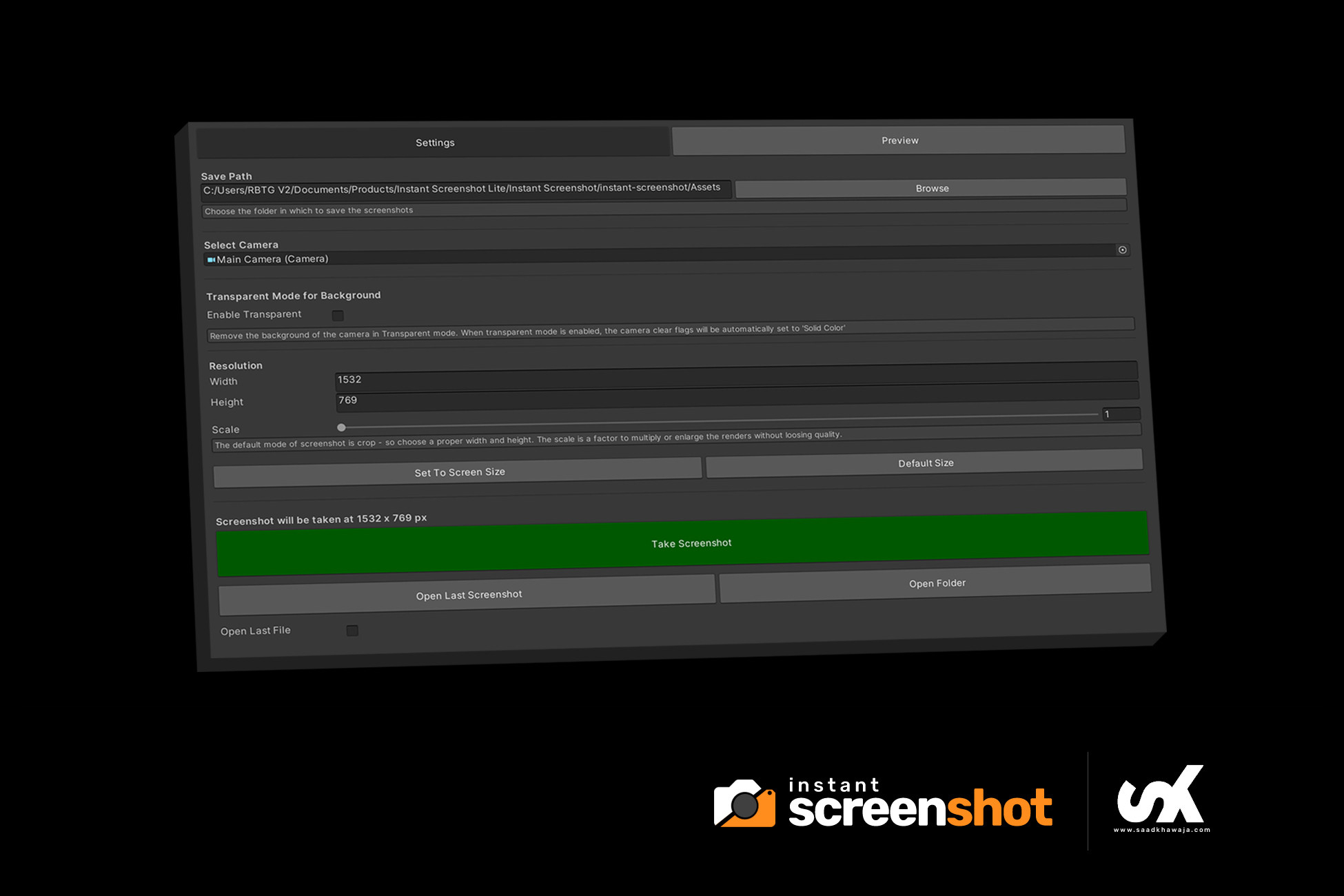
This popular editor extension allows you to take a very high-resolution screenshot of your game view/scene view camera.
You can now get super high-resolution renders of your game with a click of the button (with/without transparent backgrounds)
https://www.youtube.com/watch?v=cBCeJpZJz2A
Features
- One click screenshot from scene view
- Transparent PNG output
- Select your camera
- Added an option to preview the result
- Scale your screenshot to any resolution
- Easy screenshot viewing
- Documentation included
Don't forget to to rate!
Key features
- Take High Resolution Screenshots of the Camera
- Real Time Preview
- Uses render texture to take screenshots
- Fast and Efficient