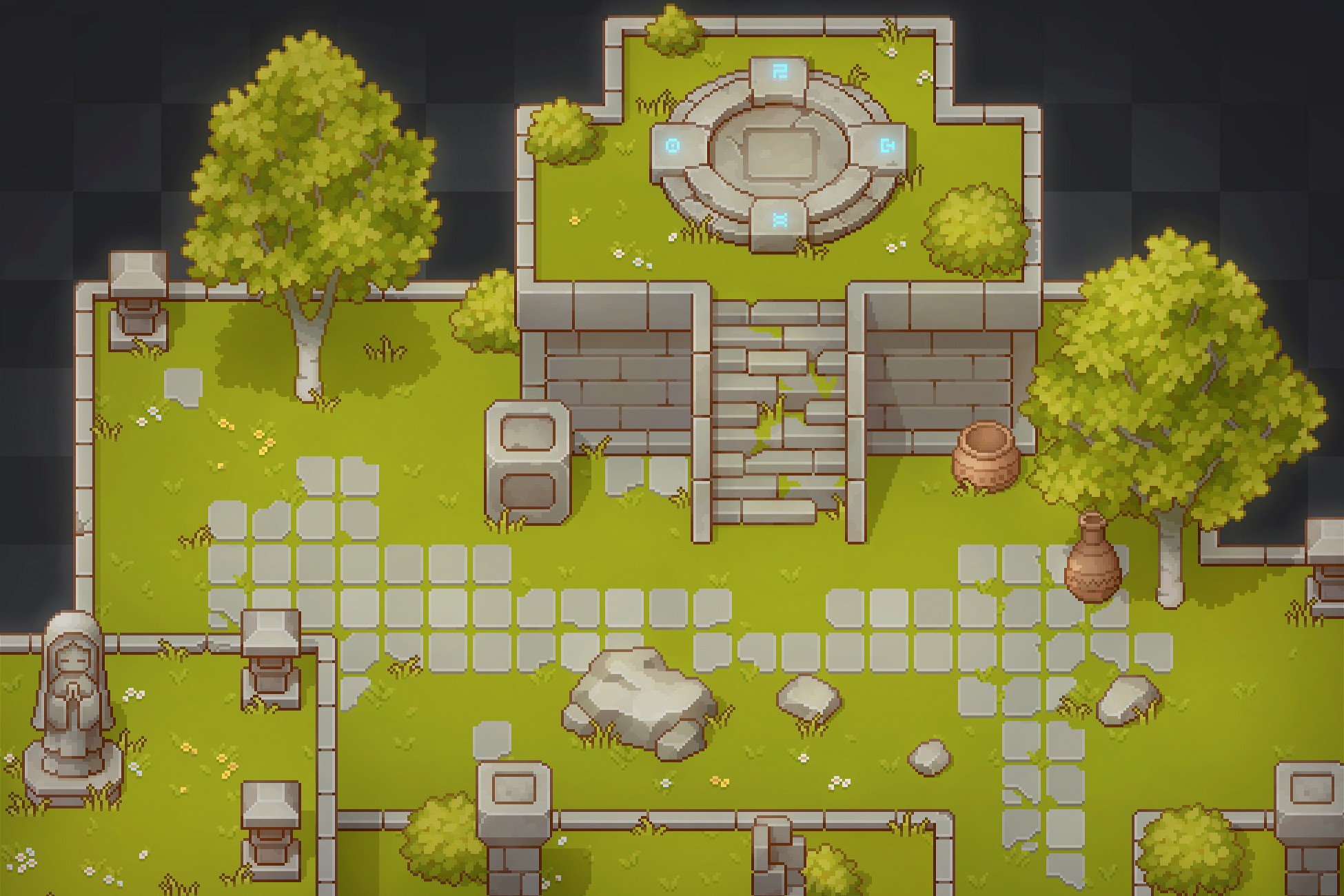
Pixel Art Top Down - Basic
Launched Feb 2021 5.7y
Updated Jan 2026 9.4mo Moderate
Cainos
Recent trend data isn't available for this listing.
See store for pricing 2d
Price history
Tracked store price
No tracked price history is available for this asset yet.
No tracked price history is available for this asset yet.
Signals
Momentum (24h) +3064 views
Recent Sentiment
Recent trend data isn't available for this listing.
Package size 1.37 MB
Review Consensus
Editor's Cut
Pros
The asset pack is widely praised for its exceptional artistic quality, cohesive visual style, and high level of detail, making it an outstanding free resource for 2D top-down game development. Users frequently highlight the inclusion of a functional demo scene that effectively showcases the assets' potential, alongside responsive prefabs and a versatile collection of environmental elements that facilitate rapid prototyping and creative world-building.
While the visual quality is top-tier for a free asset, the lack of clear documentation and the messy project structure make it a frustrating integration for developers who require a streamlined, production-ready workflow.
Cons
The package suffers from significant usability issues, including a disorganized import structure that can overwrite project settings and cause confusion regarding asset placement. Many users report a steep learning curve regarding custom map layout construction and tilemap configuration, with some noting that the assets feel restrictive or difficult to integrate into custom workflows without extensive manual adjustments to slices and collision settings.
Render pipelines
URP Built-in
Description
A set of 32x32 basic sprites and tilesets for top down games.
WebGL Demo | Documentation
FEATURES
- 48 props.
- 15 grasses.
- 3 trees.
- 256x256 grass tileset.
- 256x256 stone ground tileset.
- 512x512 wall tileset.
- Seperated shadow sprites.
- Simple character controller included.
- Demo scene included.
NOTES
- The asset is uploaded as a complete project to included some project settings. It is recommended to import it into an empty project first.
- It is recommended to use Linear Color Space with this asset.
- The demo scene requires certain layer settings to work properly. Please read the document for setup guide.